A vacation you’ve been looking forward to.
Collect the restaurants, coffee shops, and stores you want to visit, and give each its own group. When you’re there, pick a few for the day and let the route planner help with the order.
 Nearabout
A friend mentions a restaurant. You pass a little coffee shop. Save them in Nearabout, with a note about why you want to go, and come back when you’re making plans.
See how Nearabout worksFor iPhone, iPad, and Mac
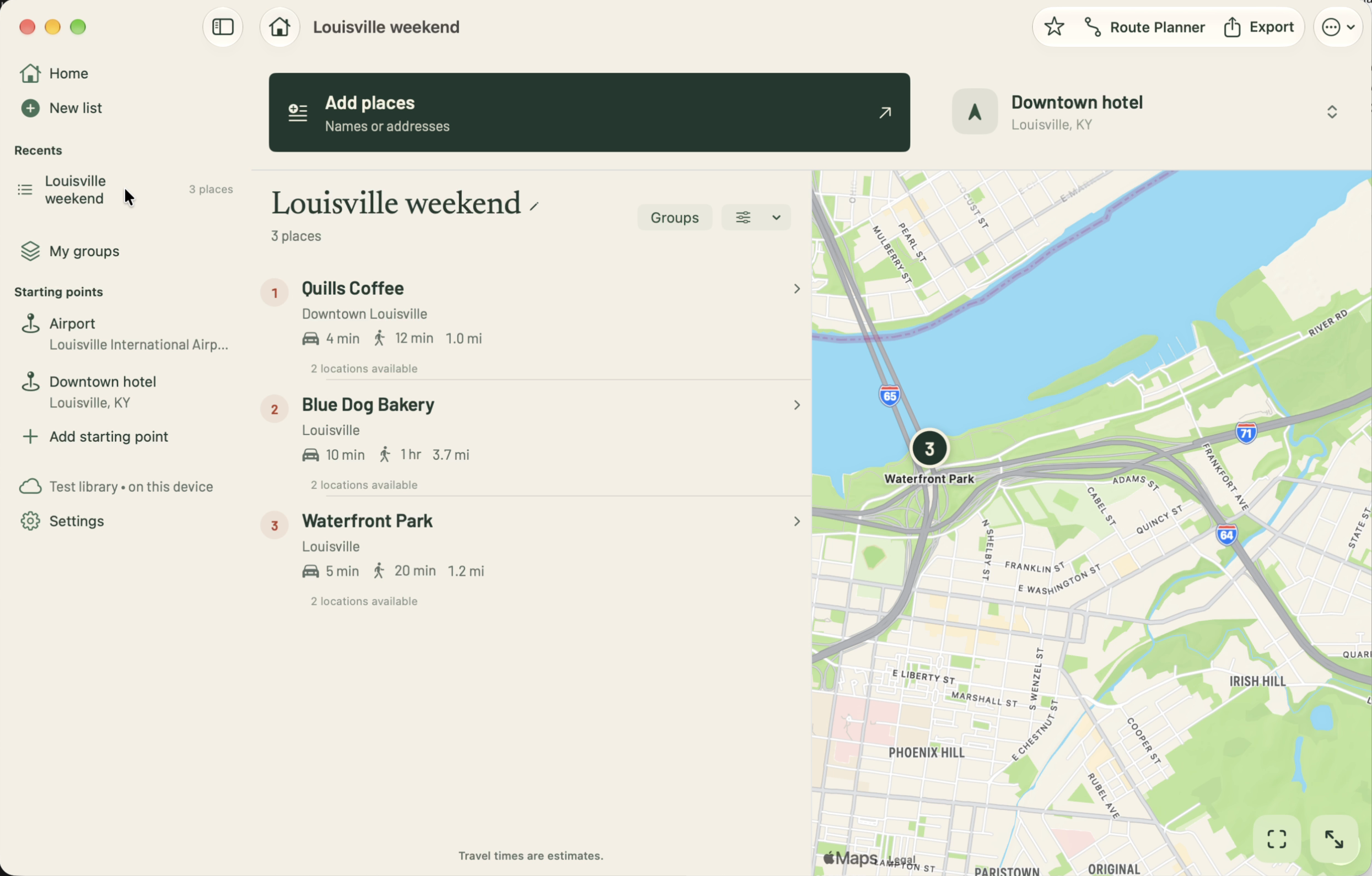
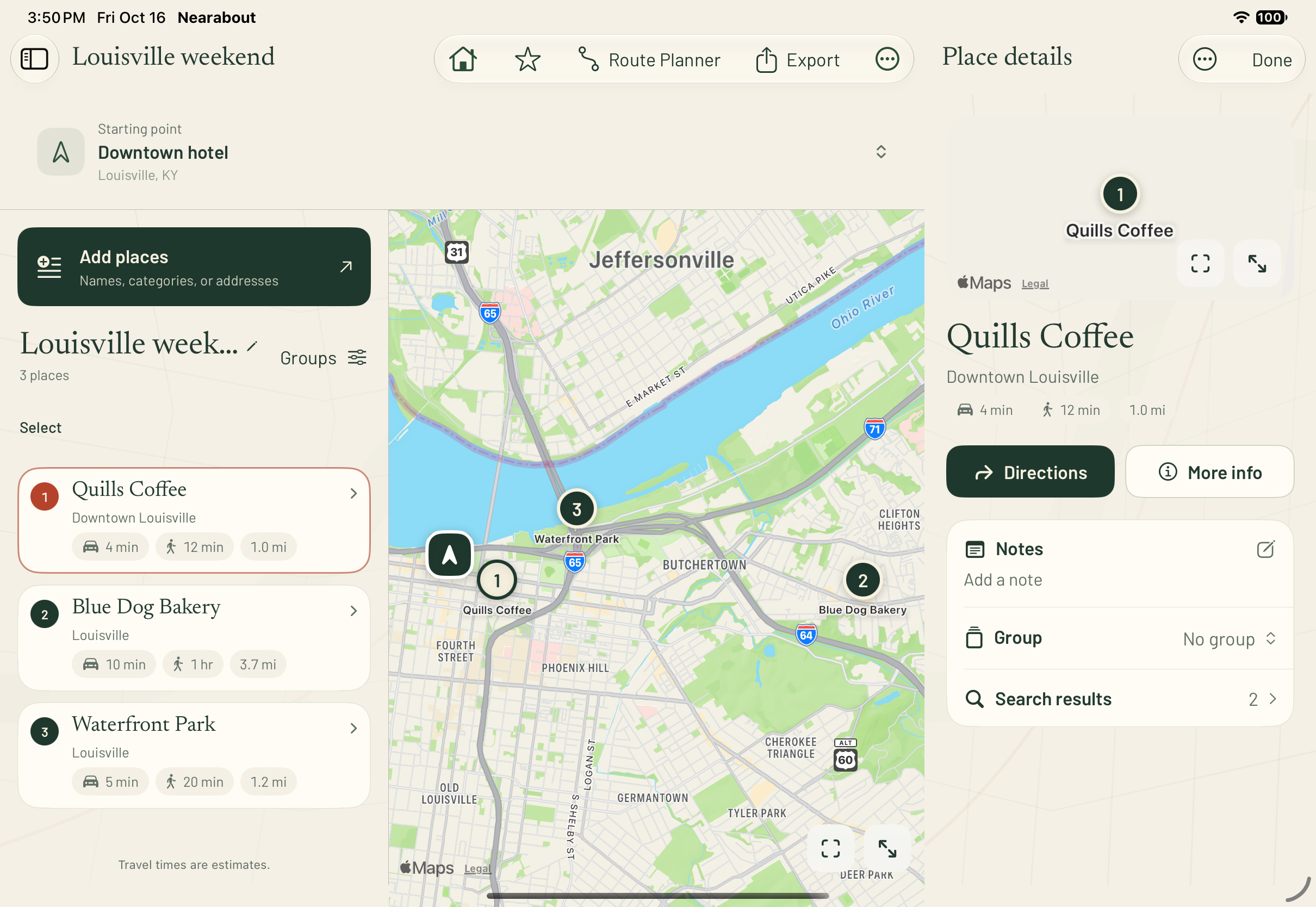
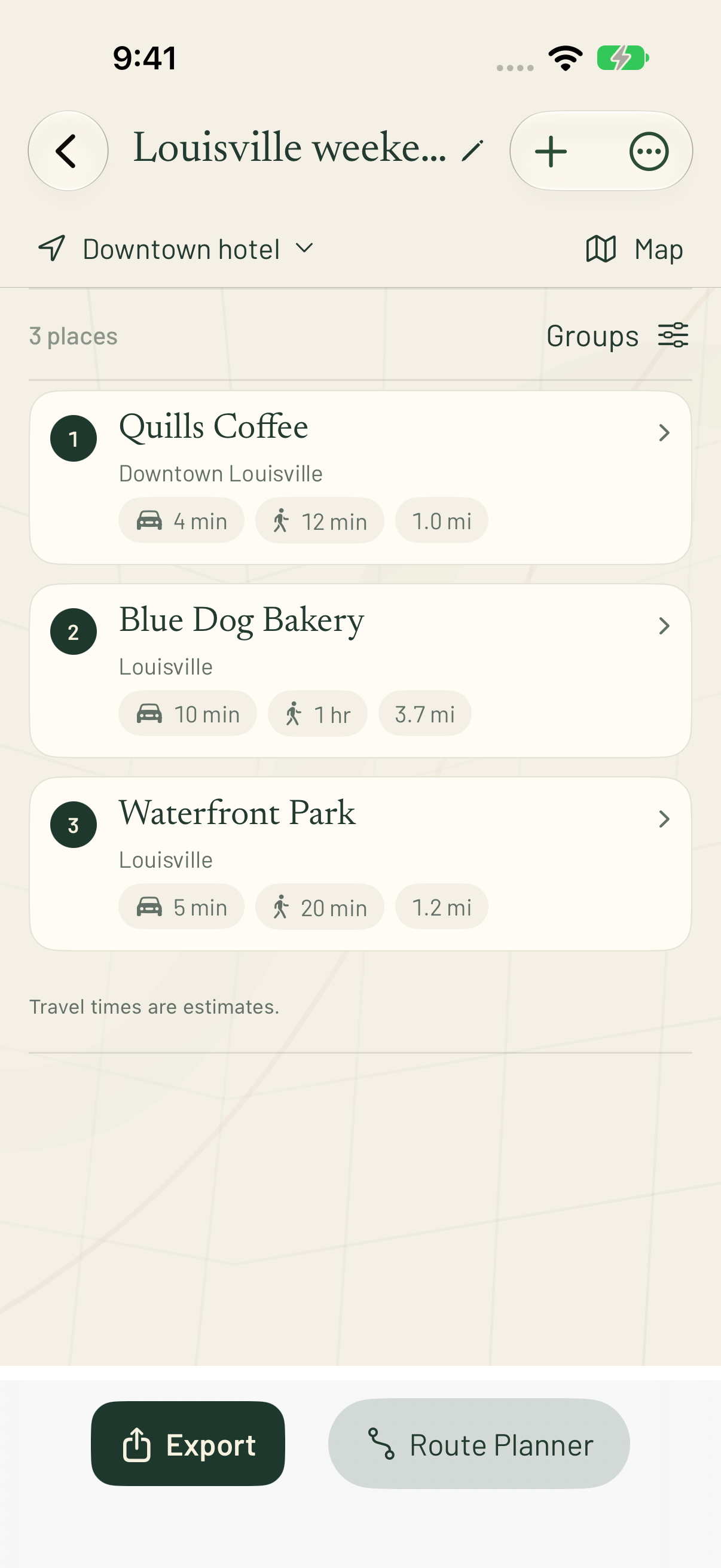
Keep your lists with you on iPhone, iPad, and Mac.
When a friend asks where to eat, you want to send more than a name. Keep your favorites with a few notes about what you loved or what to order. Then share the whole list.
Type or paste names, addresses, or categories like “bakery.” Choose the right locations from the matches.
Leave a note for yourself or for the person you’ll share it with. You can group places and come back to the list anytime.
Send a list with your notes, addresses, and map links. The person receiving it can open a place right from the list.
Collect the restaurants, coffee shops, and stores you want to visit, and give each its own group. When you’re there, pick a few for the day and let the route planner help with the order.
Keep the places people recommend alongside the ones you already love. When someone asks where to eat, send a helpful text with your notes and links to the places.
Start from where you are or any address you choose. Make a list of nearby places with distances and travel times—for yourself, for someone visiting, or to share in a post.
Five errands before pickup. A bar crawl with friends. Or a free afternoon with somewhere good to eat along the way. Put the places together, then work out an order when you’re ready.
Saved lists stay with you across iPhone, iPad, and Mac through iCloud. Share them as text or PDF, or keep a copy in Notes.
Coming soon to iPhone, iPad, and Mac.
The public beta isn’t accepting new testers yet.
iOS 27, iPadOS 27, or macOS 27. No separate Nearabout account.